CLEAR CACHE ERP
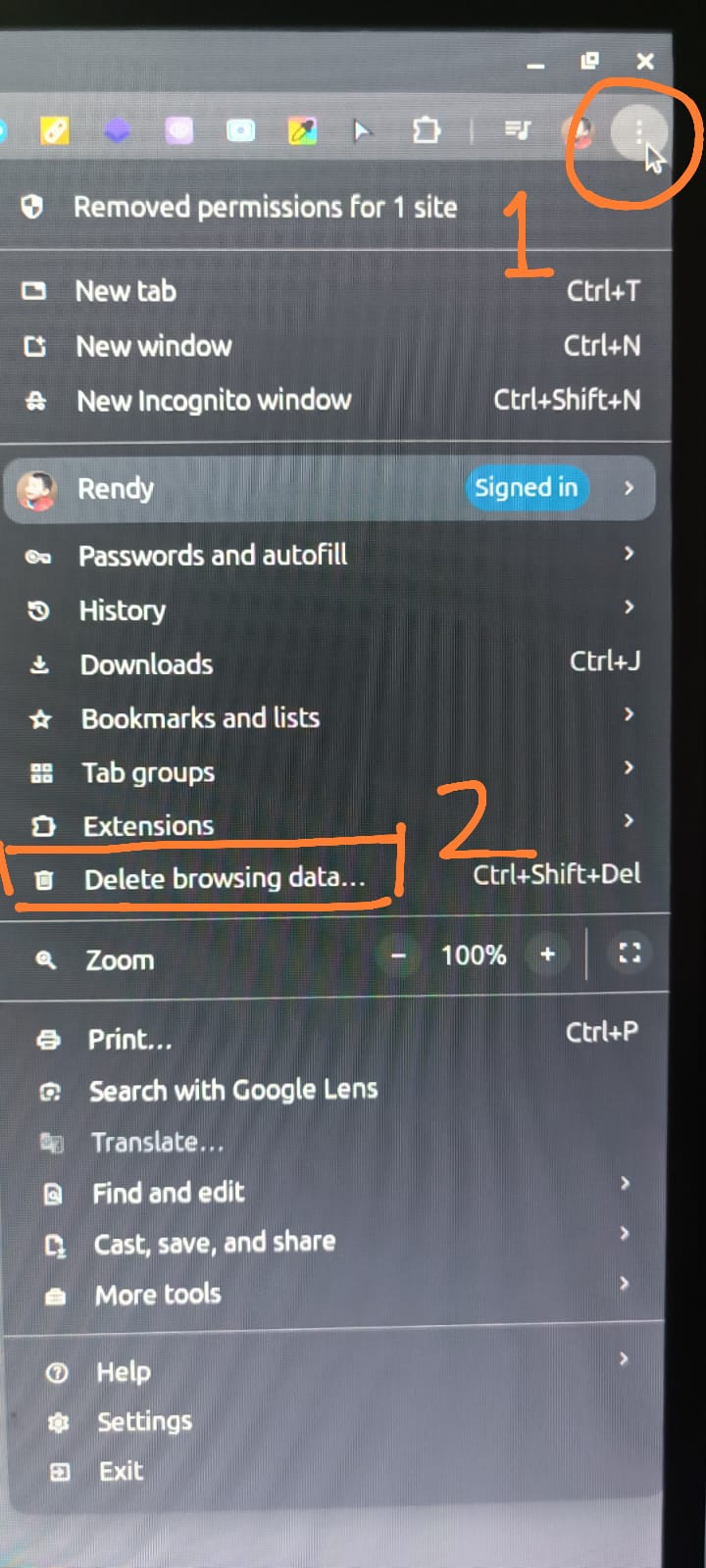
- Pilih menu setting di browser di pojok kanan atas dengan icon titik 3 , Lalu pilih menu Delete Browsing Data
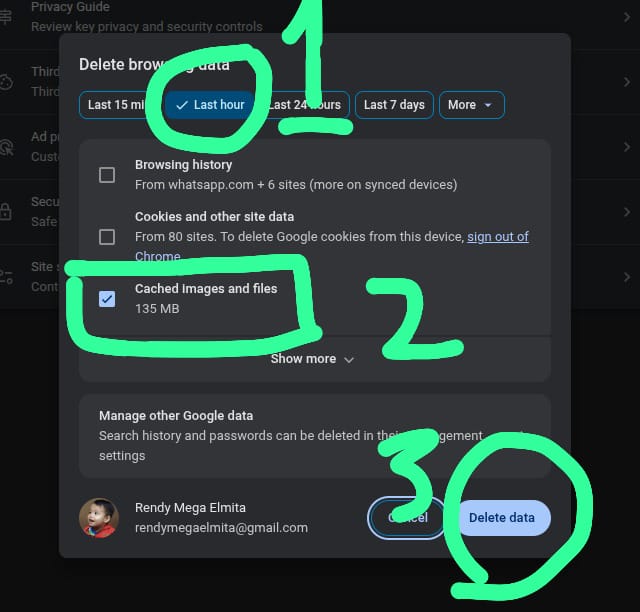
- Pilih Tab 1 Hour, lalu check pada box Cache Images and Files, dan klik tombol Delete Data
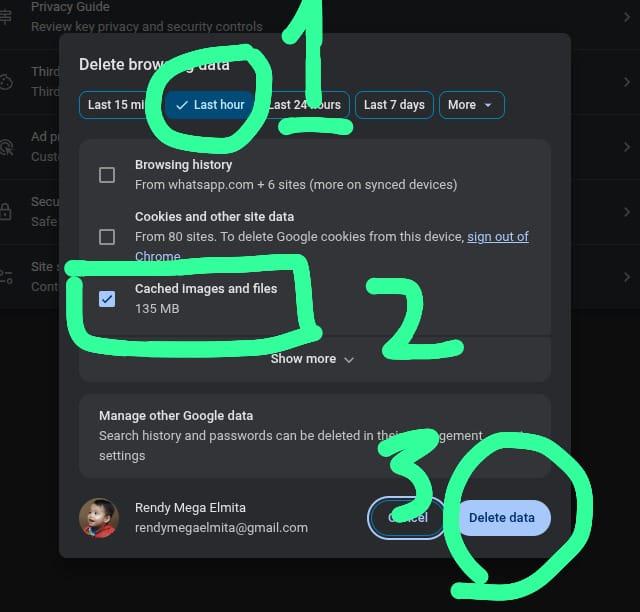
- Lakukan refresh browser dengan tekan CTRL + R